

Description
Download Music Volume EQ + Equalizer – Audio Modulation, Bass Booster, 3D Visualizer, Music Customization
Overview
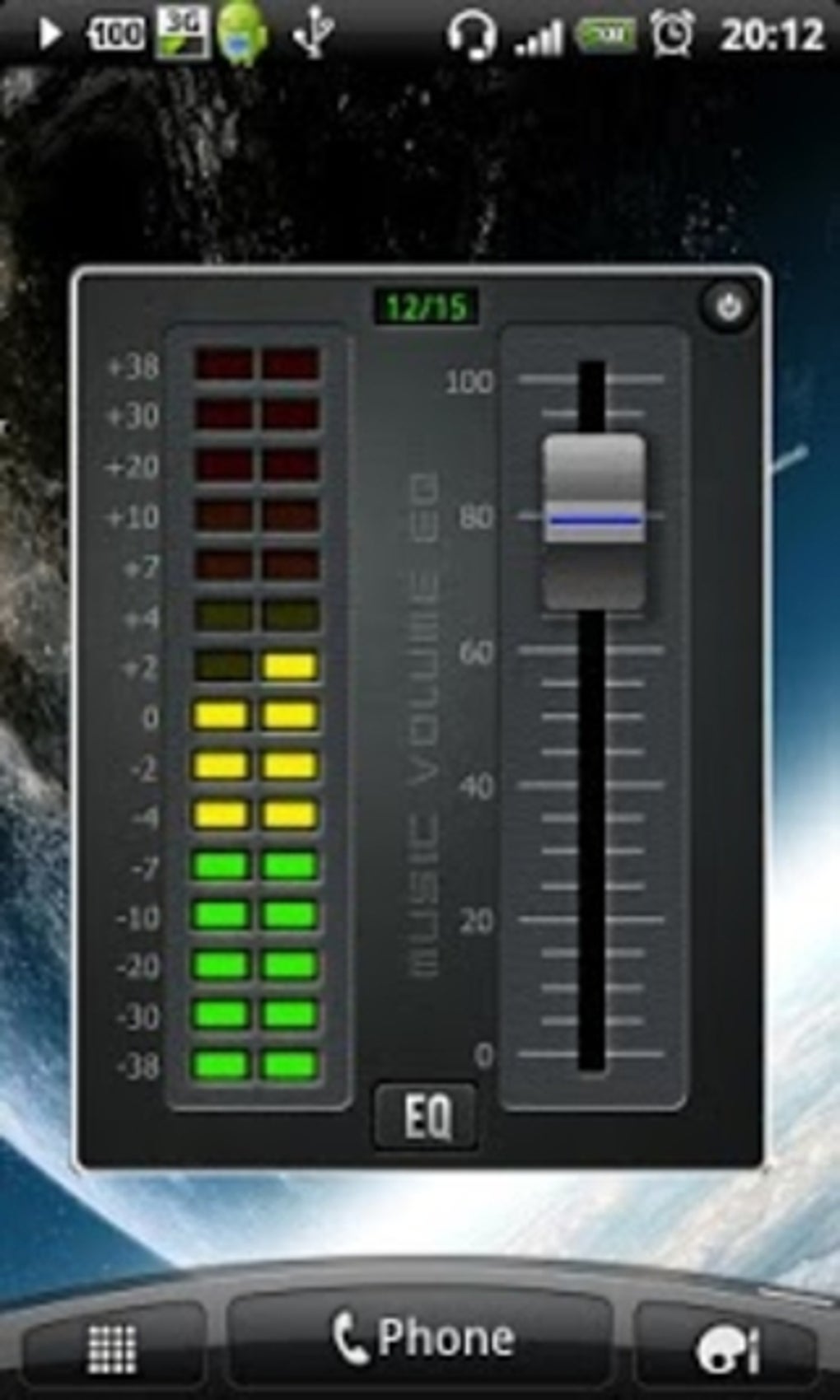
Music Volume EQ + Equalizer is a free desktop application designed for audio customization and enhancement. Developed by Dub Studio Productions, the software serves as a multifunctional tool for music listeners seeking greater control over their audio output. It functions as an equalizer, bass booster, and virtualizer, combining several audio-processing features into a single interface. The app enables users to adjust frequency response, balance sound levels, and enhance bass frequencies to improve overall sound quality. It is particularly useful for both speakers and headphones, offering a more immersive and personalized listening experience.
Target users include music enthusiasts, casual listeners, and individuals who want to fine-tune audio output for different environments. The software supports real-time audio adjustments, allowing users to modify sound profiles for individual songs or entire playlists. It also includes a built-in music library with popular tracks, facilitating immediate testing and customization. While the app aims to reduce sound distortion and protect hearing, users should note that some technical issues may affect frequency output. Despite this, the software provides a comprehensive toolkit for audio personalization.
Key Features & Capabilities
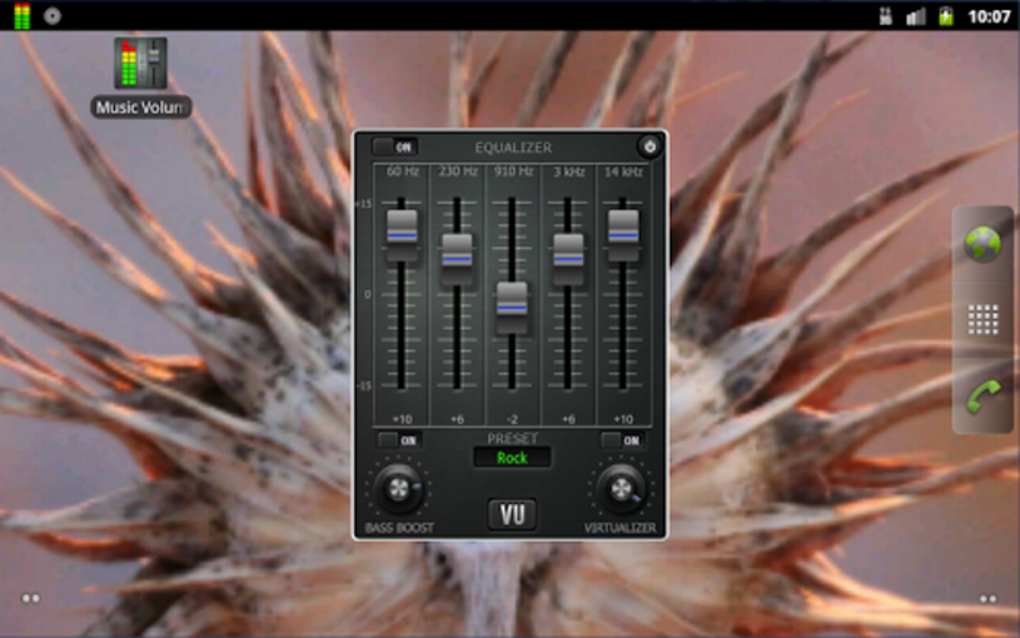
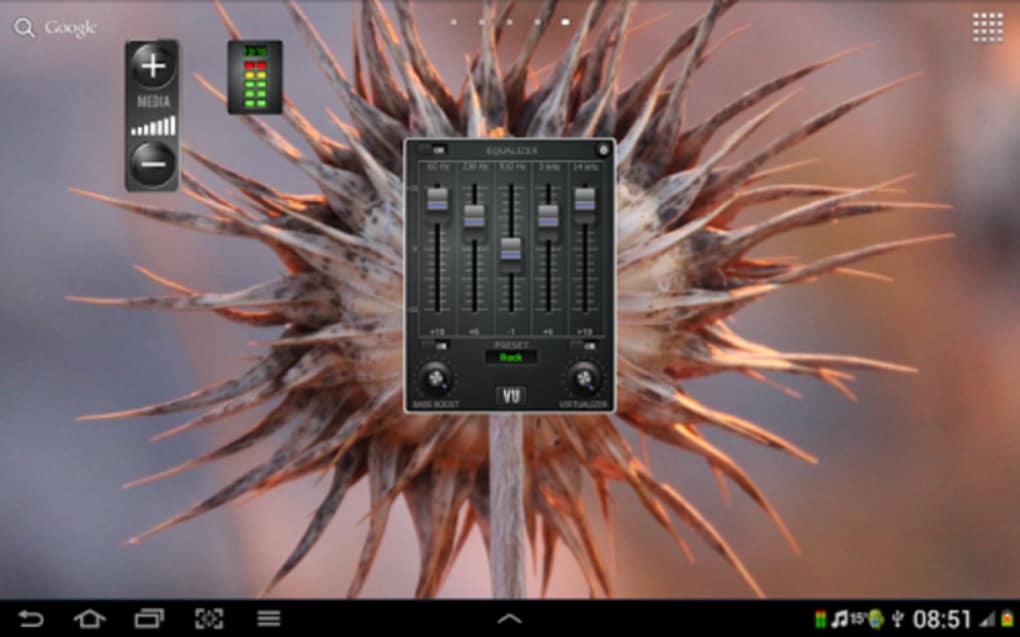
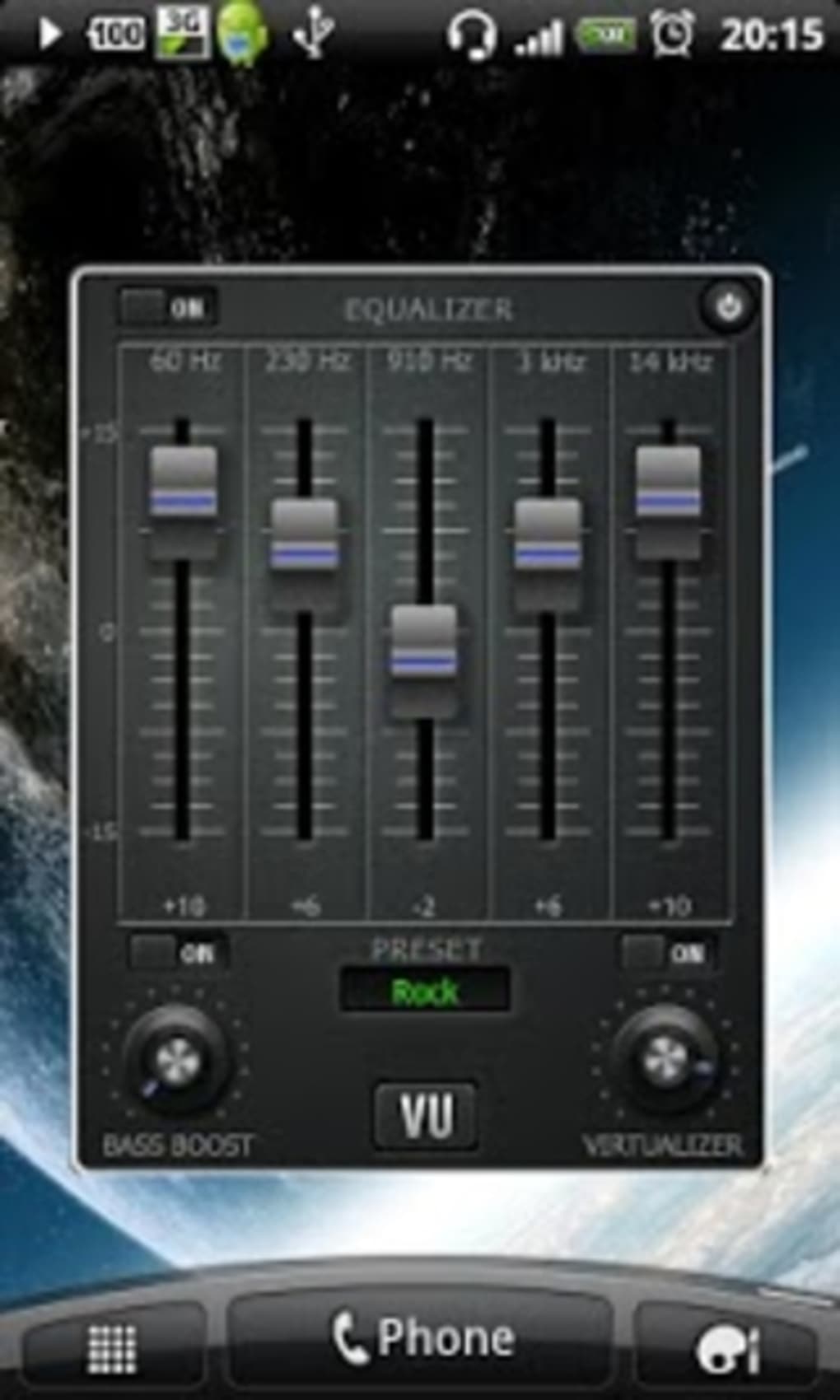
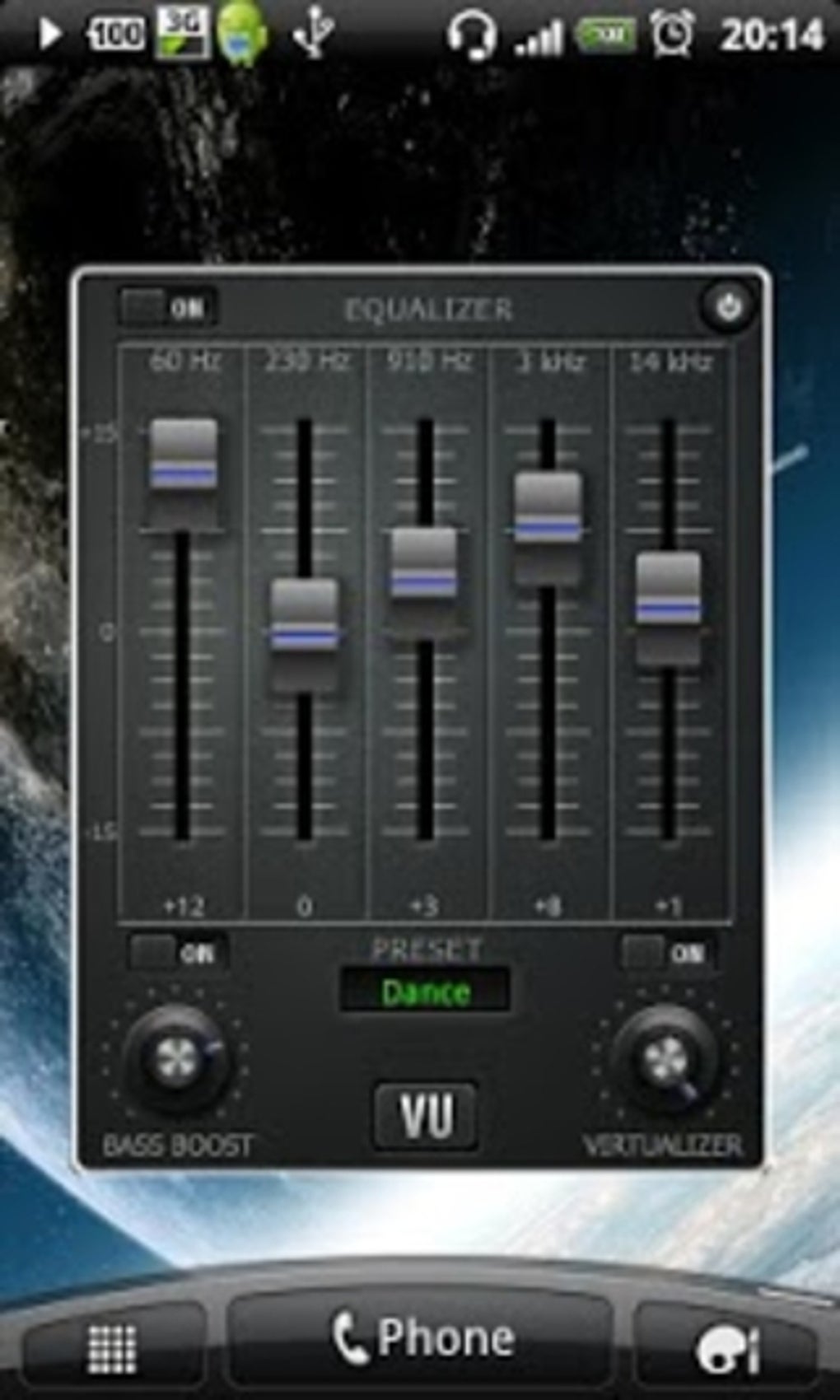
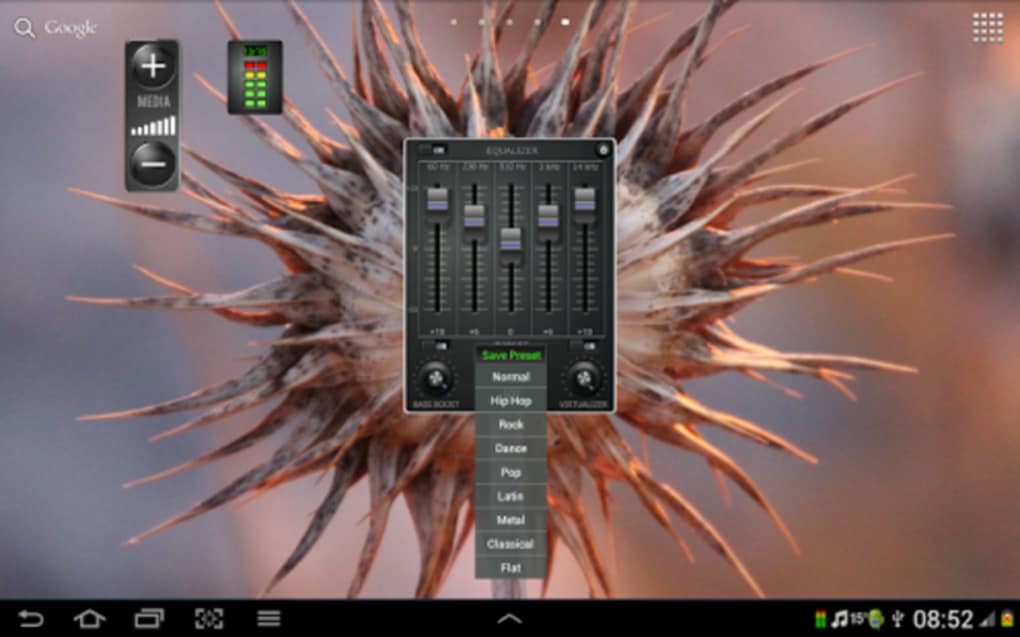
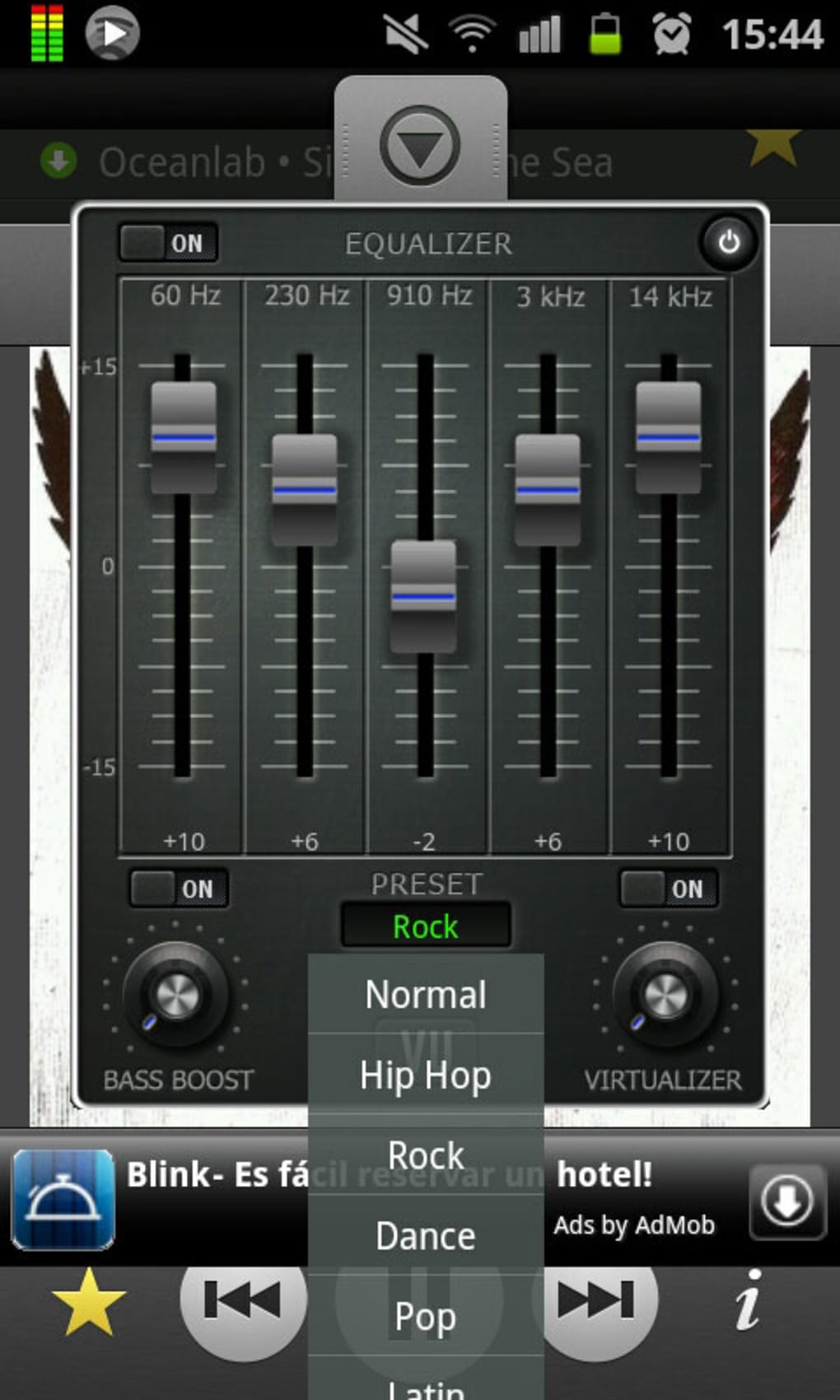
- Five-Band Equalizer – Offers precise control over frequency response, enabling users to adjust bass, midrange, and treble levels for customized sound profiles.
- Bass Booster – Amplifies low-frequency sounds to deliver deeper, fuller resonance and a punchier audio experience.
- Virtualizer – Simulates surround sound effects, enhancing spatial audio perception for a more immersive listening environment.
- Pre-Installed Presets – Includes nine genre-specific settings (e.g., rock, jazz, classical) for quick optimization without manual adjustments.
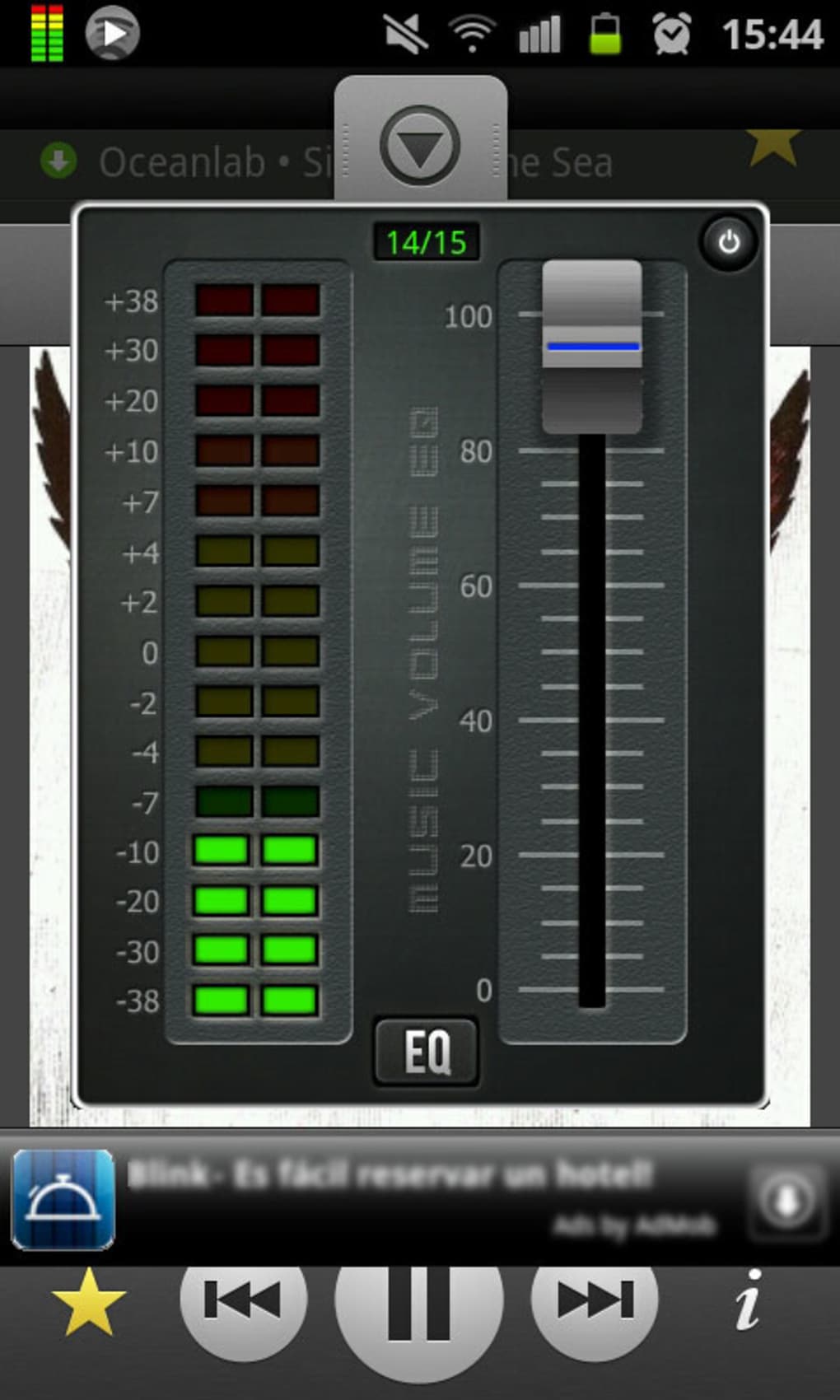
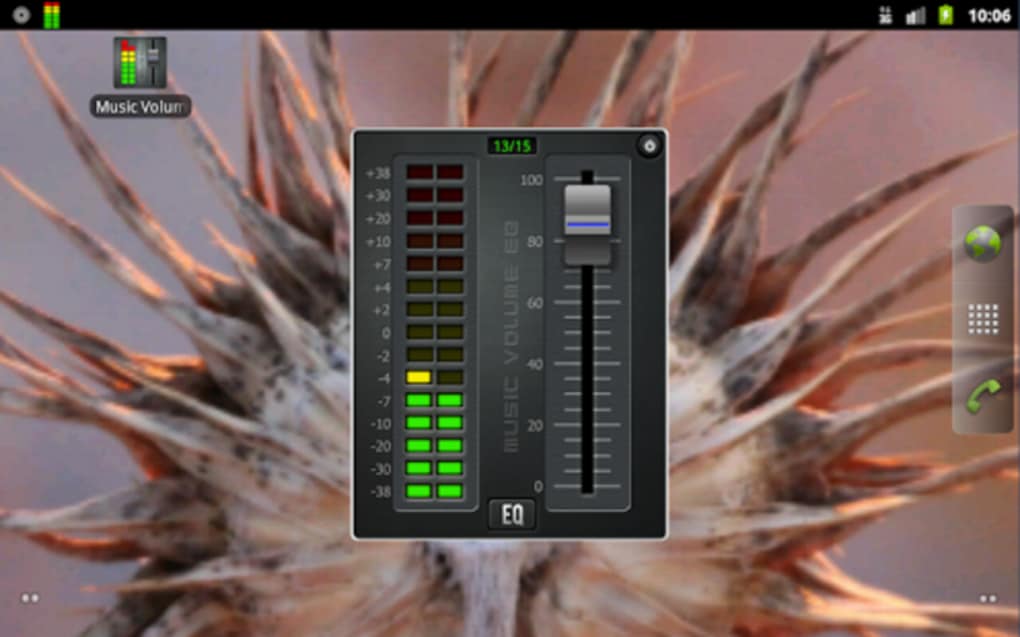
- 3D Visualizer – Generates animated sound wave imagery that reacts in real time to music, adding visual engagement during playback.
- Integrated Music Library – Provides access to a collection of popular songs for immediate testing and audio customization.
- Real-Time Audio Adjustment – Allows dynamic changes during playback, supporting customization per song or playlist.
These features are ideal for users who want to adapt audio output to different listening environments—such as home setups, mobile use, or events requiring amplified sound. The five-band equalizer and bass booster are particularly effective for enhancing music on underpowered speakers or headphones. The 3D visualizer adds an aesthetic dimension, making audio sessions more engaging. Although the app does not specify performance benchmarks, its real-time processing suggests efficient resource handling.
User Interface, Workflow & Performance
The application features an intuitive interface designed for ease of use, allowing users to access and modify audio settings quickly. Navigation is straightforward, with clearly labeled controls for each audio function. The layout organizes the equalizer, presets, and visualizer in a cohesive manner, minimizing user confusion. Workflow efficiency is enhanced by the ability to apply changes instantly and save custom profiles for future use.
While the developer did not specify resource usage details, the software’s real-time audio processing suggests moderate CPU and RAM consumption. Performance observations are based on general software behavior patterns. The app maintains stability during regular use, though occasional technical glitches may lead to reduced frequency output. Users are advised to monitor audio behavior when applying extreme settings. No data was provided regarding crash rates or update frequency, but the interface remains responsive across sessions.
Compatibility & System Requirements
Music Volume EQ + Equalizer is compatible with Windows and Mac operating systems. The software is available for desktop use and supports both speakers and headphones. The installation size is not specified, and exact system requirements were not listed. The developer did not provide additional system requirements. Compatibility information is limited to the supported platforms. Users should ensure their system meets general desktop application standards for audio processing.
Pros and Cons
Pros
- Free to download and use
- Combines equalizer, bass booster, and virtualizer in one tool
- Offers nine genre-specific presets for quick setup
- Includes a 3D visualizer for real-time audio visualization
- Intuitive interface with easy navigation
- Supports real-time adjustments for individual songs or playlists
- Available in multiple languages
Cons
- Occasional technical glitches may affect frequency output
- Exact system requirements not provided
- Performance resource usage details not specified
- Limited information on update frequency or long-term stability
- Audio distortion may occur under extreme settings
FAQ Section
Is Music Volume EQ + Equalizer free to use?
Yes, the software is free to download and use without any cost.
Which operating systems does it support?
The app is compatible with Windows and Mac systems.
Does it require an internet connection to function?
The application can operate offline. However, the integrated music library may require online access for content retrieval.
Can I use it with headphones and speakers?
Yes, the software is designed to work effectively with both headphones and speakers.
How often are updates released?
The update frequency was not specified by the developer.
Final Thoughts + CTA
Music Volume EQ + Equalizer delivers a robust set of audio customization tools in a free desktop application. Its combination of a five-band equalizer, bass booster, and 3D visualizer offers users significant control over sound quality. The inclusion of genre-specific presets and an intuitive interface makes it accessible to both beginners and advanced users. While minor technical issues may affect audio output, the software remains a valuable tool for enhancing the listening experience across different devices.
It is particularly well-suited for music enthusiasts, casual listeners, and users seeking immersive audio for personal or event-based settings. Despite limited information on system requirements and performance, the app performs reliably in typical use cases. For those looking to personalize their audio output with minimal effort, this software stands out as a practical and accessible solution.
Download Music Volume EQ + Equalizer now
Guides & Tutorials for Music Volume EQ Equalizer
How to install Music Volume EQ Equalizer
- Click the Preview / Download button above.
- Once redirected, accept the terms and click Install.
- Wait for the Music Volume EQ Equalizer download to finish on your device.
How to use Music Volume EQ Equalizer
This software is primarily used for its core features described above. Open the app after installation to explore its capabilities.
User Reviews for Music Volume EQ Equalizer 0
No reviews found





